01
In the browser
Nothing to install. The same reporting module on desktop, tablet, or phone.
Paste a note, speak live, or upload an audio file.
Product
Open it in the browser, add it to the OHIF viewer you already run, or ask us to fit it to your stack.
Same templates. Same Assistant. Wherever you read.
01
Nothing to install. The same reporting module on desktop, tablet, or phone.
Paste a note, speak live, or upload an audio file.
02
Install the extension.
The draft stays on the study.
No new viewer.
03
Fitting Hartren into the systems you already run is part of the conversation.
Not a finished link to an EHR, DICOM SR, or a PACS.
01
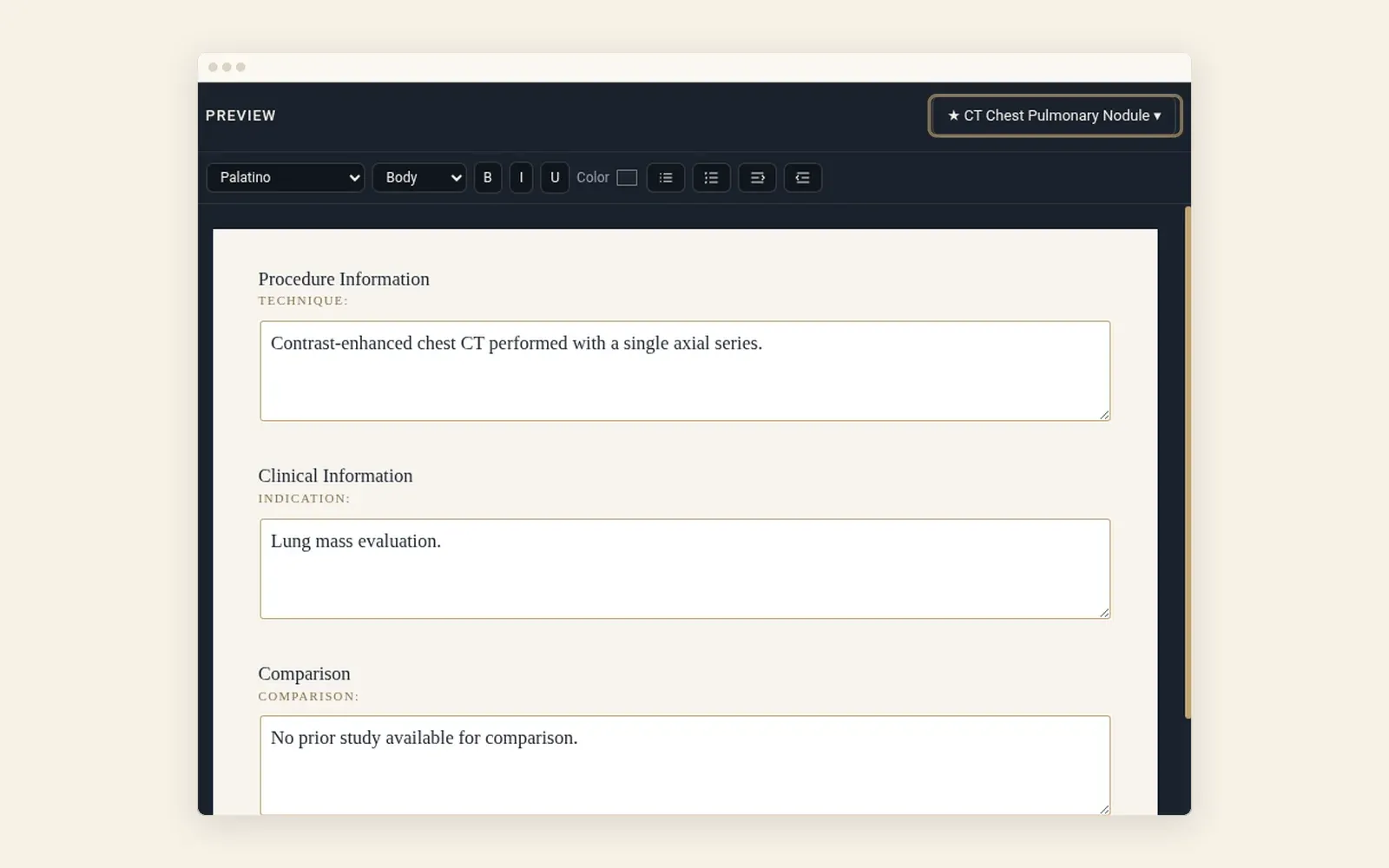
Choose a template and select Generate. Hartren drafts findings, impression, and recommendations, unsigned, in your template's fields.
02
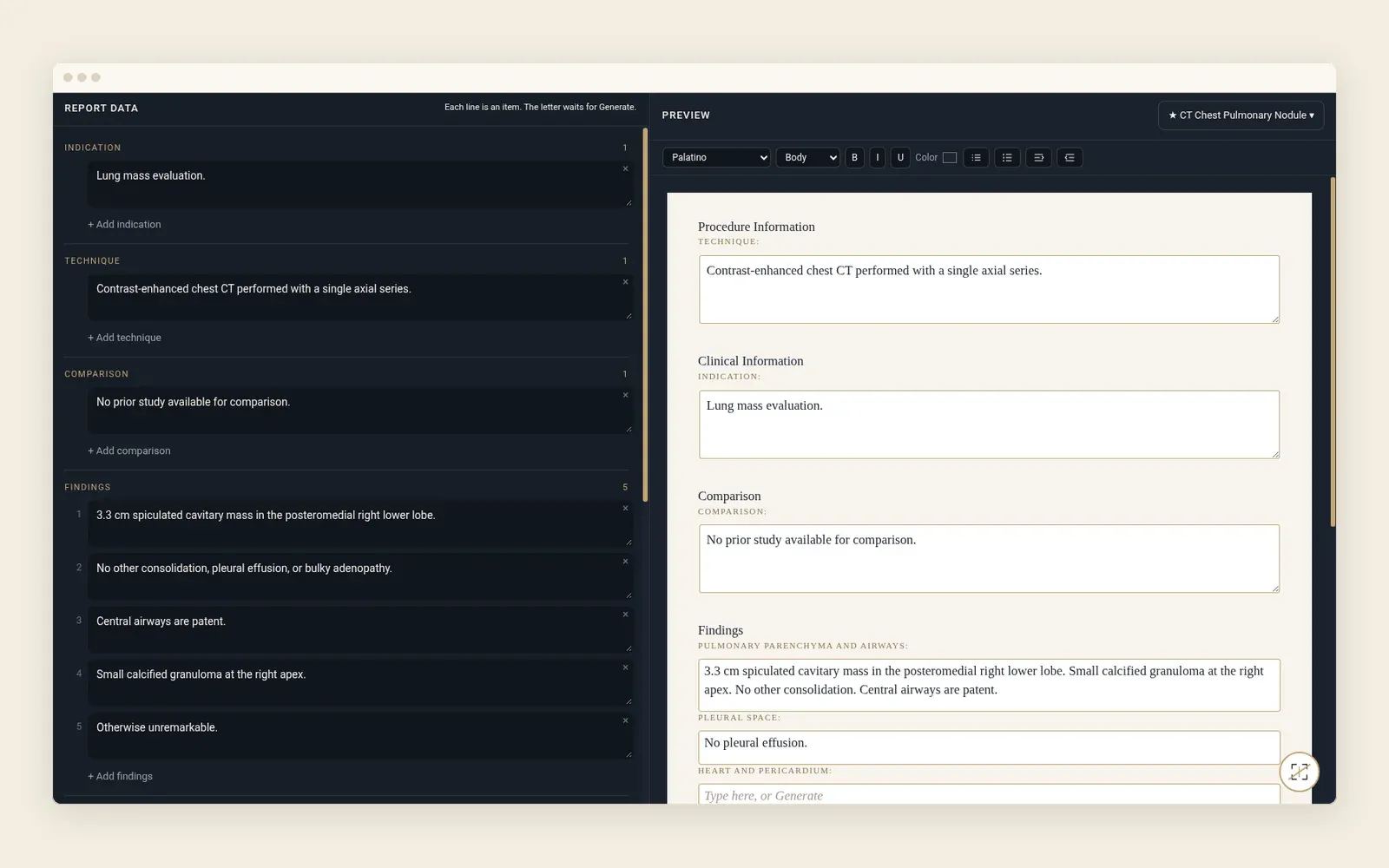
See your source notes beside the report you edit. Edit the wording and formatting, then sign. Add instructions that guide the draft. They never print in the report.
03
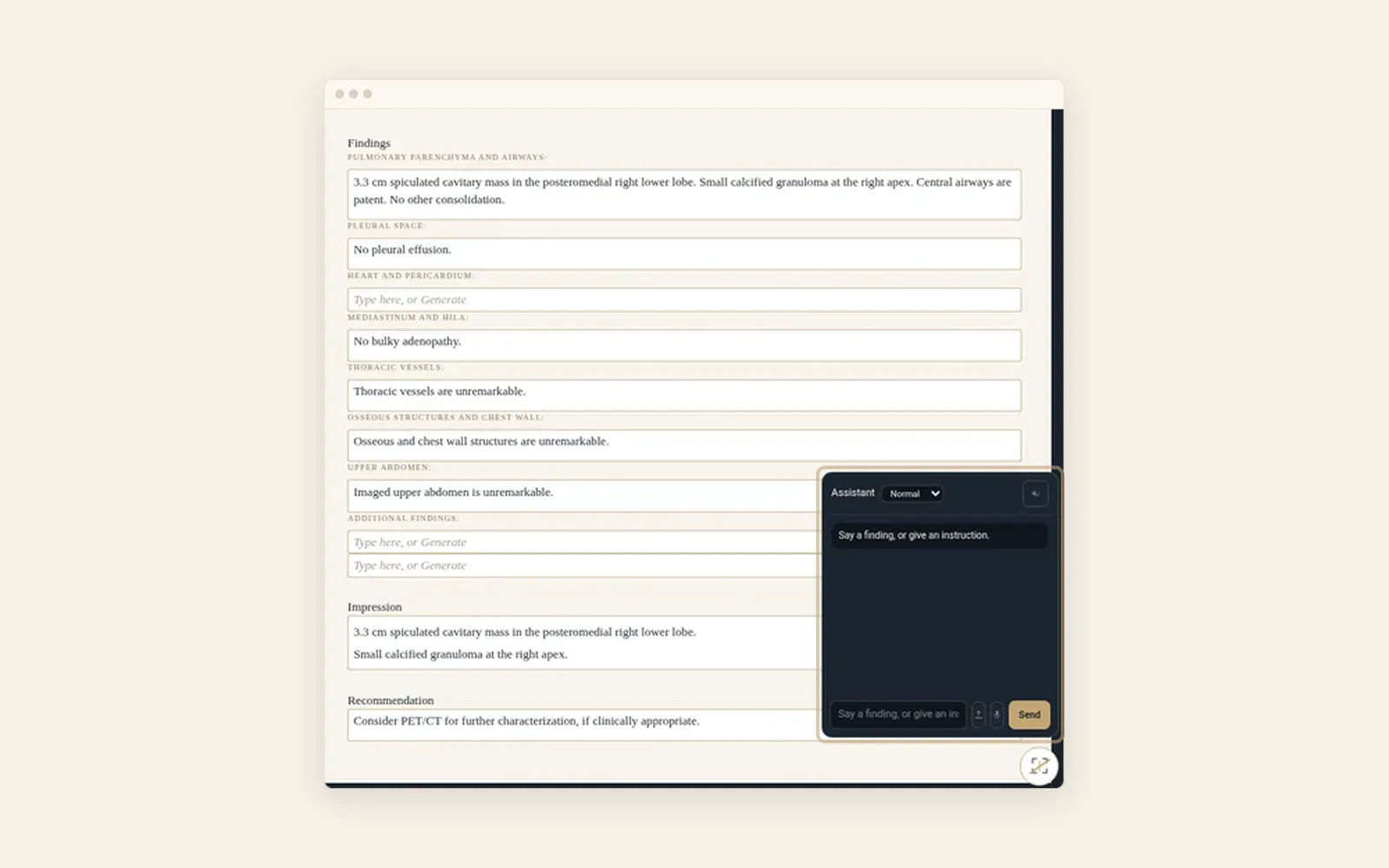
Paste dictation text and select Send, or speak a finding or an instruction. The Assistant adds it to the draft you are editing.
04
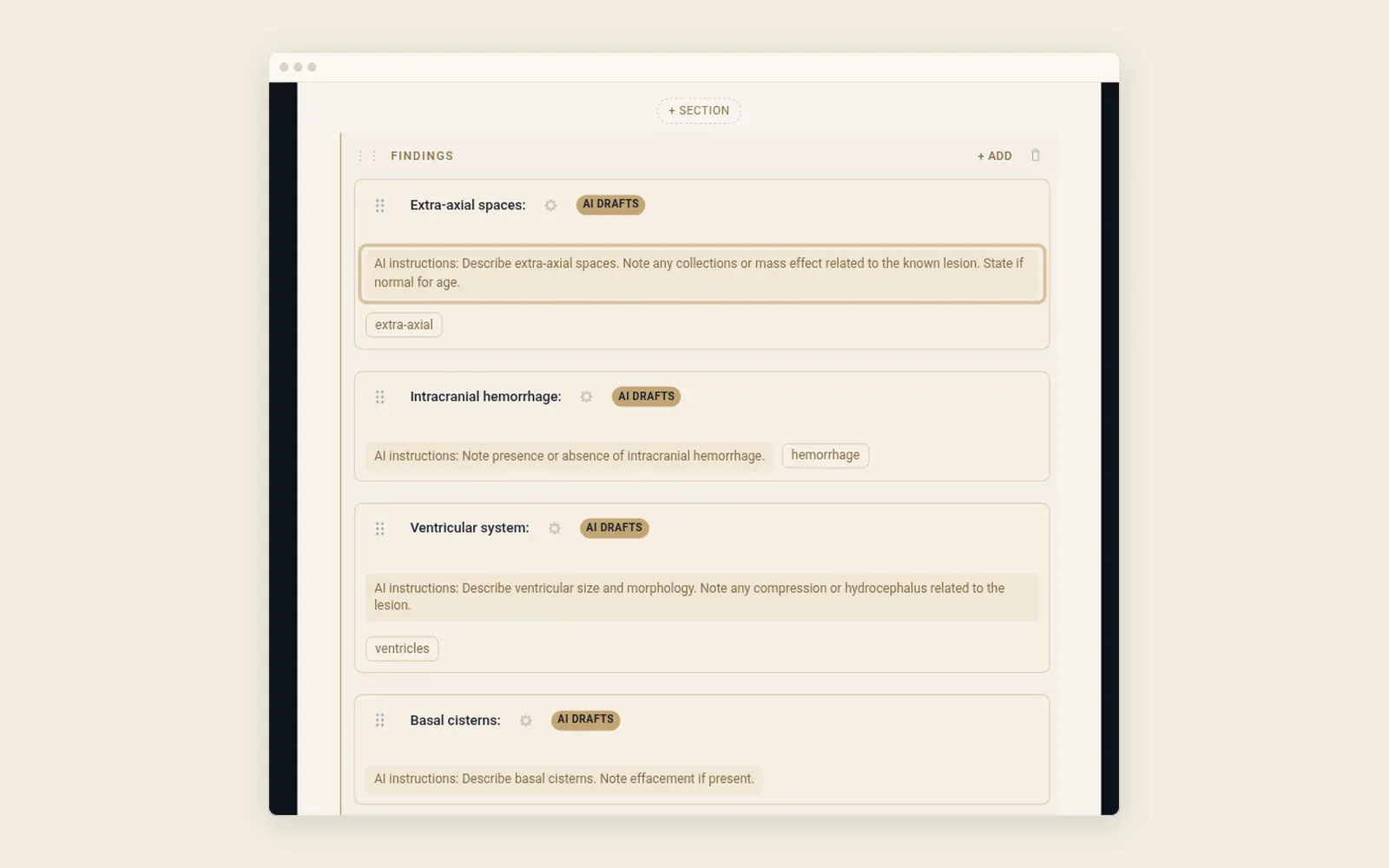
Set modalities, sections, and the instruction for each generated field in the template builder. Start from IHE MRRT, your own, or an import. Add your style and macros.